
Play Anywhere
We've made sure VPBet is optimized for play on your smartphone or tablet, so you can play your Victory Pass wherever you are.
Android Installation
- 1Open your Android device Settings → Security → enable Unknown Sources
- 2Click the Download for Android button above
- 3Wait for the APK file to download completely
- 4Locate the downloaded APK and tap to install
- 5Open the app and create your account to start playing
iOS Installation
- 1Click the iOS download button above
- 2You will be redirected to the App Store
- 3Tap Get to download the app
- 4Authenticate with Face ID or Touch ID
- 5Open the app and log in or register
Need help?
If you encounter any issues during installation, visit our Contact page or check the FAQ on the home page.
Tablets & Cloud Sync
Tablet Experience
On a tablet, the game art is bigger and more detailed, statistics are easier to read, and the galleries for your Victory Archives are larger. Both portrait and landscape modes are fully supported.
Cloud Synchronization
Your Victory Rank, Victory Coins, Platinum Tokens, Victory Archives, achievements, and settings are all synced automatically once you sign in on any supported device.
Regular Updates
Approximately every four weeks, players receive new exclusive games, seasonal festivals, and performance improvements.
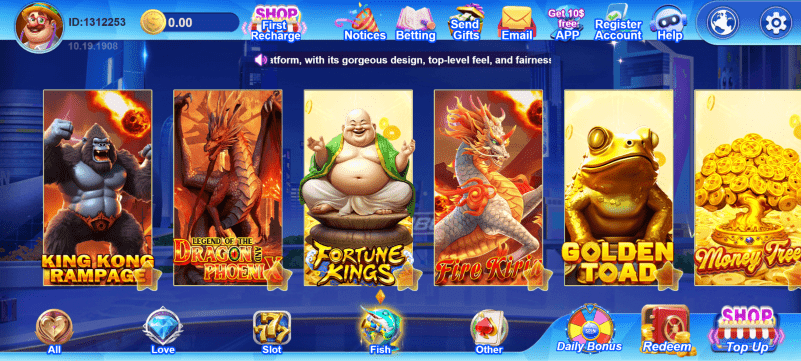
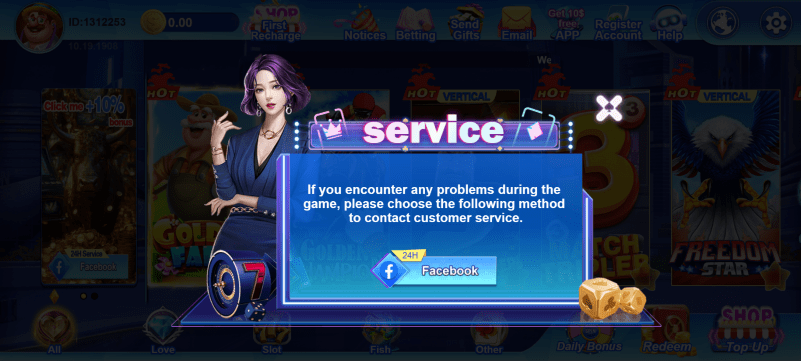
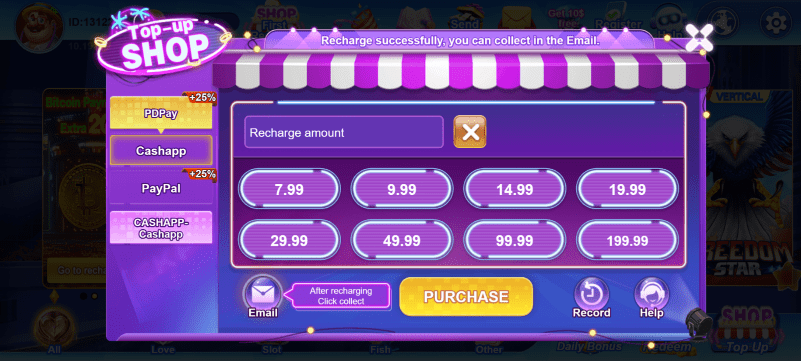
App Preview
A look at the VPBet mobile experience.



Why Download VPBet Casino?
Native Performance
The app runs faster and smoother than a mobile browser.
Push Notifications
Get notified about bonuses, promotions, and new games.
Biometric Login
Sign in quickly with Face ID, Touch ID, or fingerprint.
Offline Features
Access account info and some features without internet.